
How to use Calmffirmation
Two modes, one idea: start at a normal pace, then let the audio slow down with you. Tap Start Calm Mode whenever you're ready for that to begin.
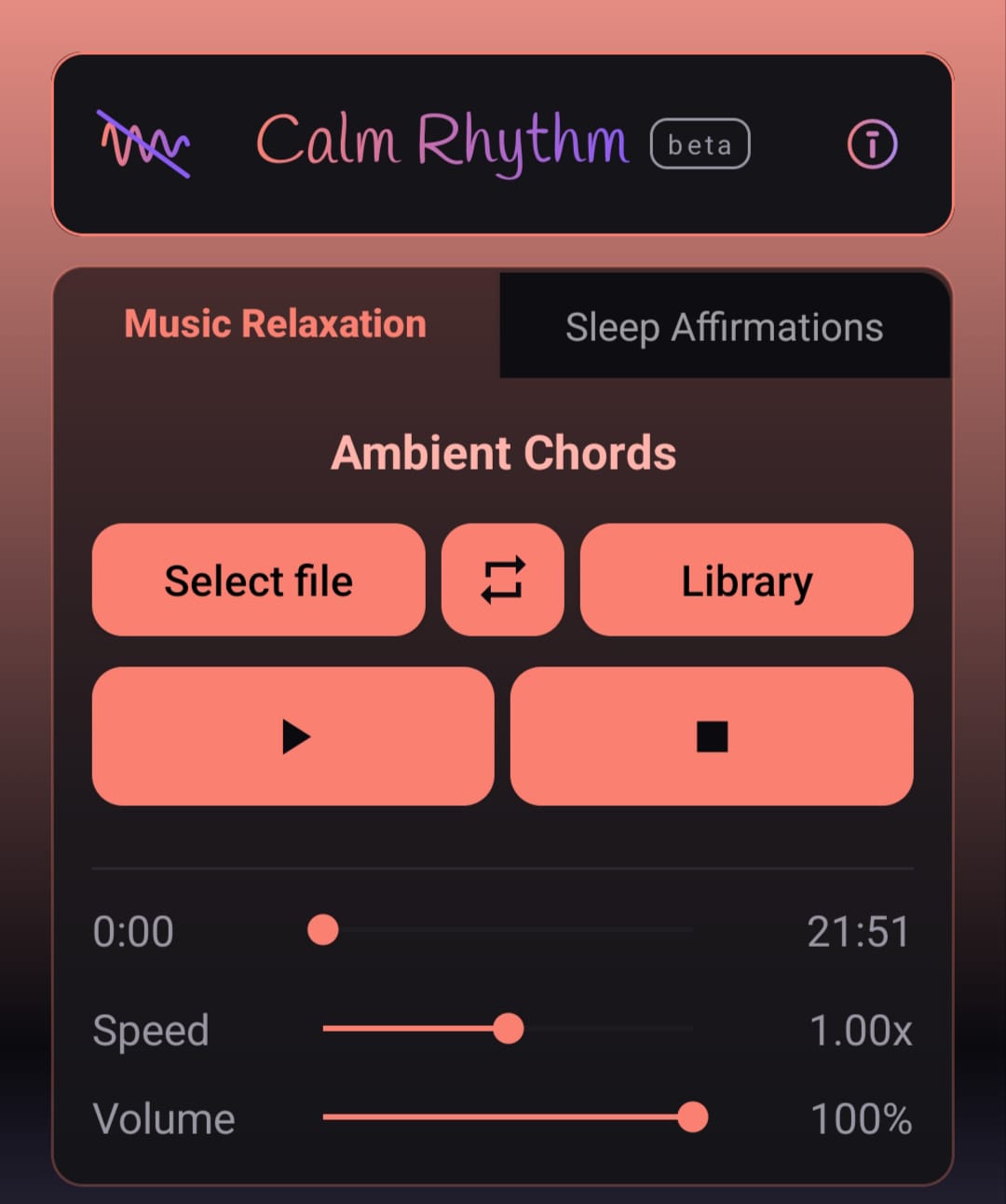
Music Relaxation
Unwind to a track
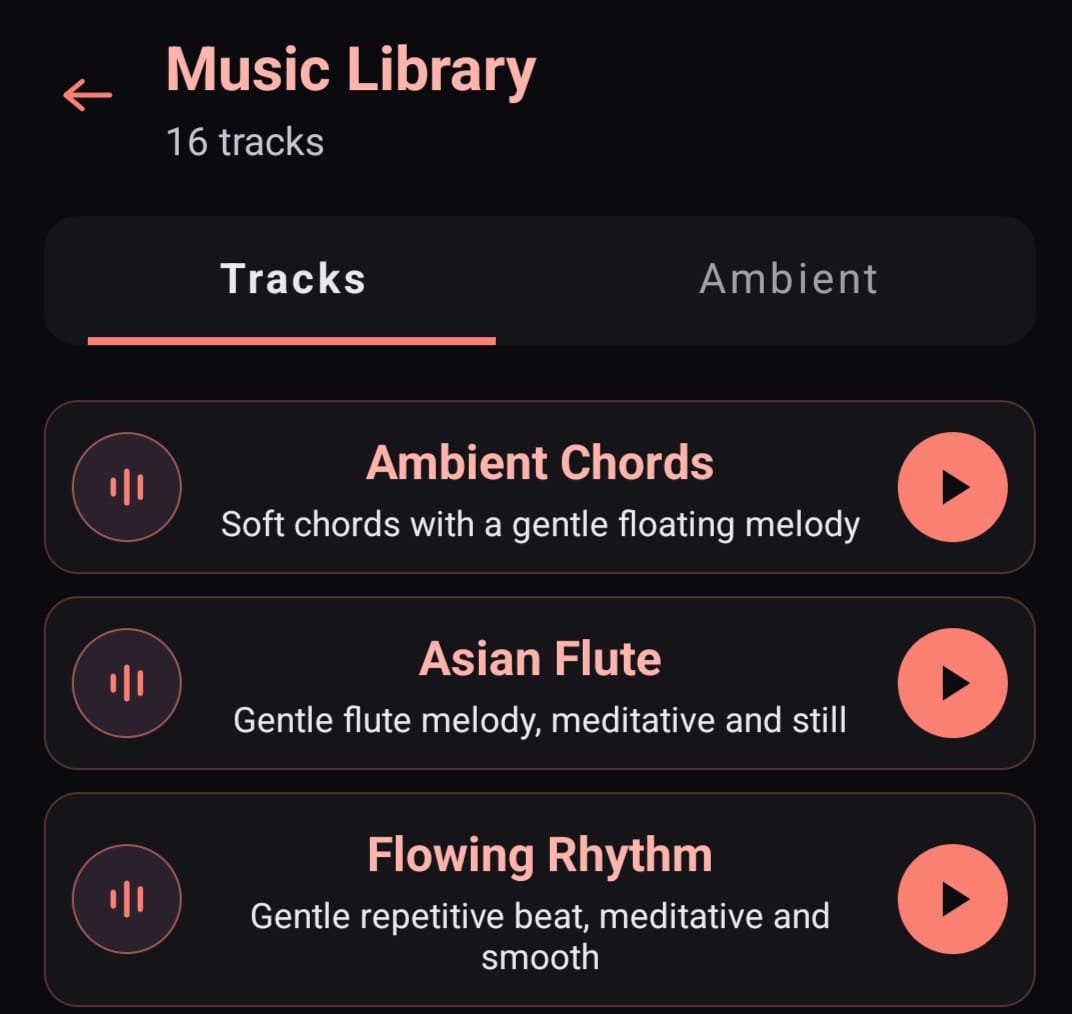
- Choose your audio. Tap Select file to use music from your device, or tap Library to browse built-in tracks. Library has two tabs: Tracks for melodies, Ambient for nature sounds. Tap an item to preview it before choosing.
- Adjust speed and volume with the sliders.
- Press Play. When you're ready to sleep, tap Start Calm Mode.
Sleep Affirmations
Play back your own voice
- Choose your audio. My Recordings for affirmations you've made before, Library for built-in ones, or Record new affirmation to record directly in the app. New recordings save automatically to My Recordings.
- Adjust speed and volume with the sliders.
- Press Play. When you're ready to sleep, tap Start Calm Mode.
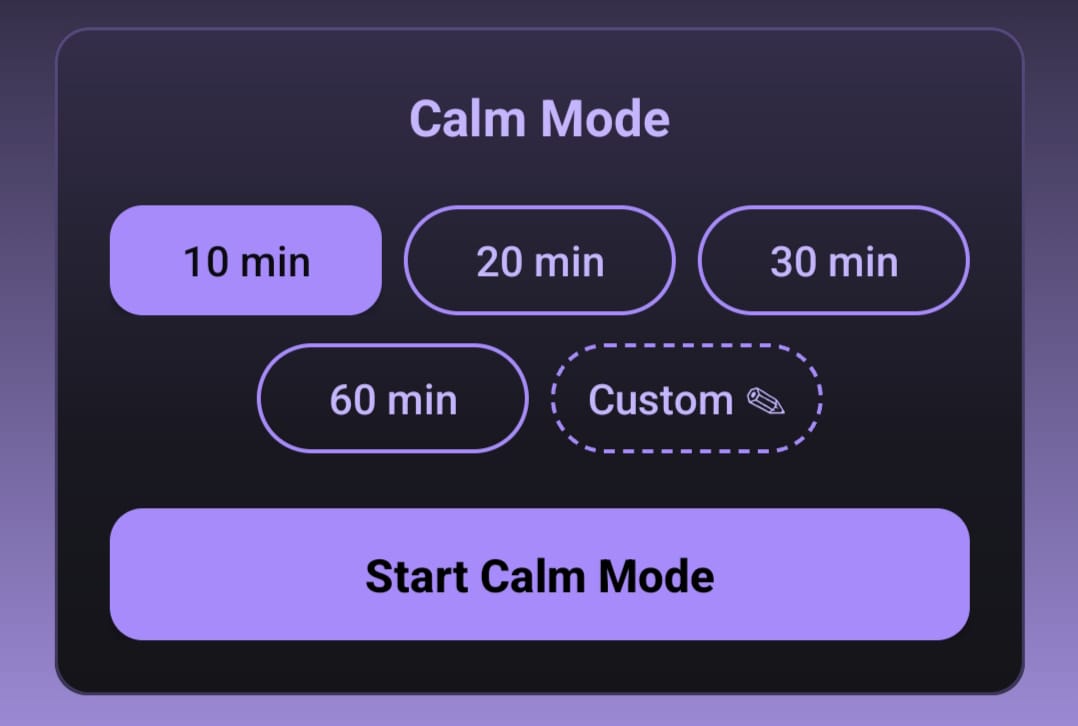
Calm Mode
Tap Start Calm Mode and choose how long the slowdown should last: 10, 20, 30, 60 minutes, or a custom duration. The audio gradually slows and fades toward silence over that time.
- Pause. Pauses playback, keeps Calm Mode active. Tap again to resume.
- Stop. Stops playback, keeps Calm Mode active.
- Exit Calm. Opens a confirmation: restore normal playback, keep current speed and volume, stop playback, or stay in Calm Mode.
For a more immersive experience, headphones are recommended.